Stop managing support tickets
from your inbox
AND START RUNNING YOUR HELPDESK FROM ONE ORGANISED AIRTABLE SYSTEM
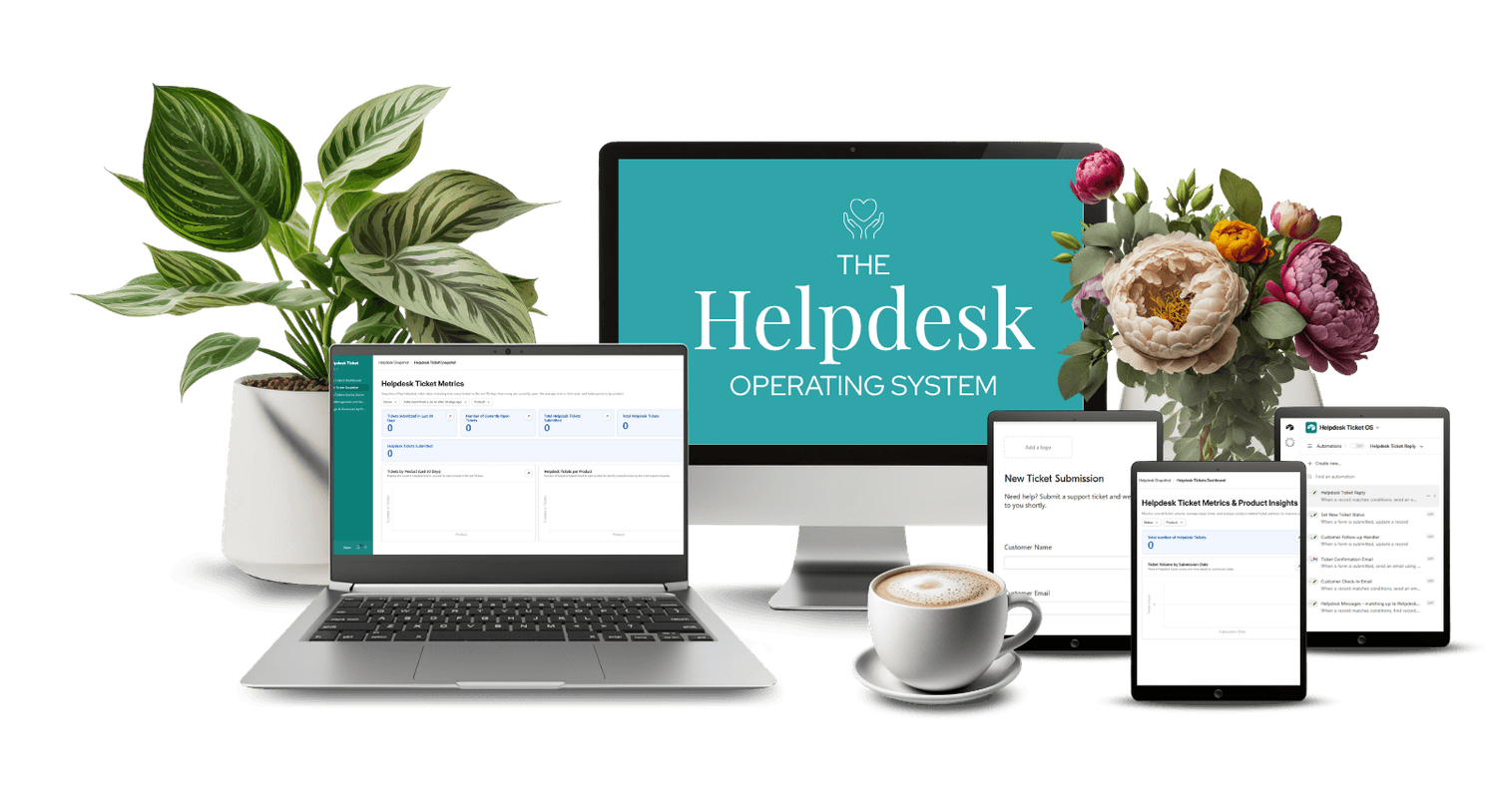
Every time a customer emails you with a question, you have a choice. Reply from memory, copy and paste from somewhere, or spend 10 minutes writing the same answer you've written before. Over time, that adds up. And when things get busy, tickets fall through the cracks.
Helpdesk OS is a done-for-you Airtable system that gives online business owners one place to manage every support ticket - with a Claude AI skill that drafts your replies for you, ready for review and sending.

If this feels familiar
Managing support shouldn't feel like constantly putting out fires.
But right now you might have:

Customer questions scattered across email, DMs, and Facebook messages
No record of what was asked or what you replied
The same issues coming up repeatedly with no documented answer
Replies you wrote from scratch that took longer than they should
No clear picture of which products are generating the most support
This isn't a you problem. It's a systems problem.
What Helpdesk OS actually is
This is not just a pretty Airtable template.
It's a fully built support system that:
Captures new tickets automatically from a submission form
Keeps the full conversation thread on every ticket record
Lets Claude AI draft a reply for each ticket, ready for your review
You set it up once.
Then you run your support from it every day.
Is this right for you?

Helpdesk OS works best if you:
Sell digital products or run an online service business
Want one organised place to manage customer support
Use Airtable and Claude as part of your business stack
Want AI to draft replies so you're not writing from scratch every time

This is not for you if you:
Don't have or aren't willing to use Airtable and Claude Pro
Are handling fewer than a handful of support requests per year
Don't want to spend time on initial setup
About setup
Getting Helpdesk OS set-up takes around half an hour.
A step-by-step setup tutorial walks you through everything, including copying the base, running the automated Claude Code setup, adding your products, loading your documentation, and testing your first ticket end to end. The Claude skill setup is handled automatically.
What's inside
When you purchase Helpdesk OS, you get:

Helpdesk Tickets - Every ticket in one place with full conversation thread
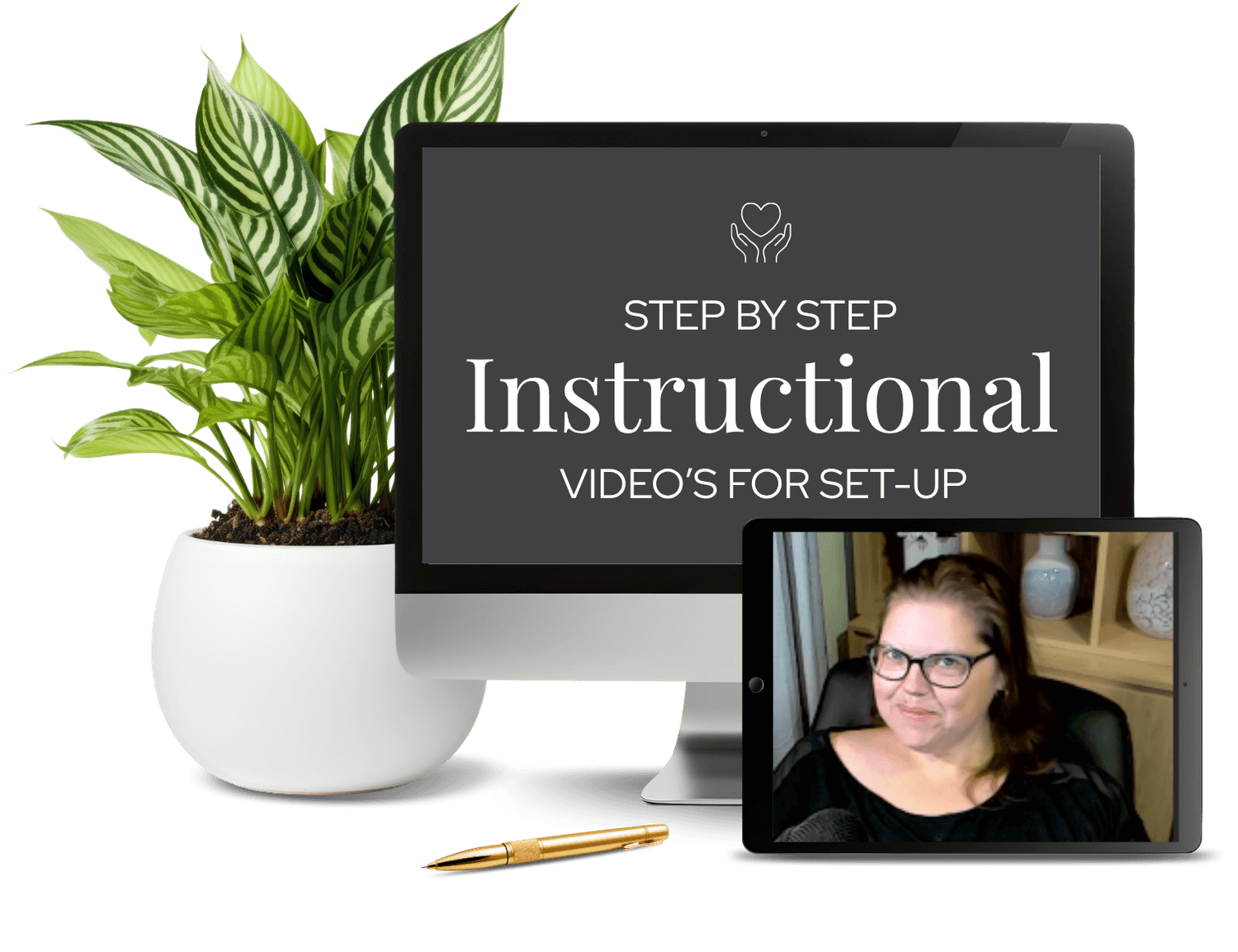
Step-by-step setup instructional video
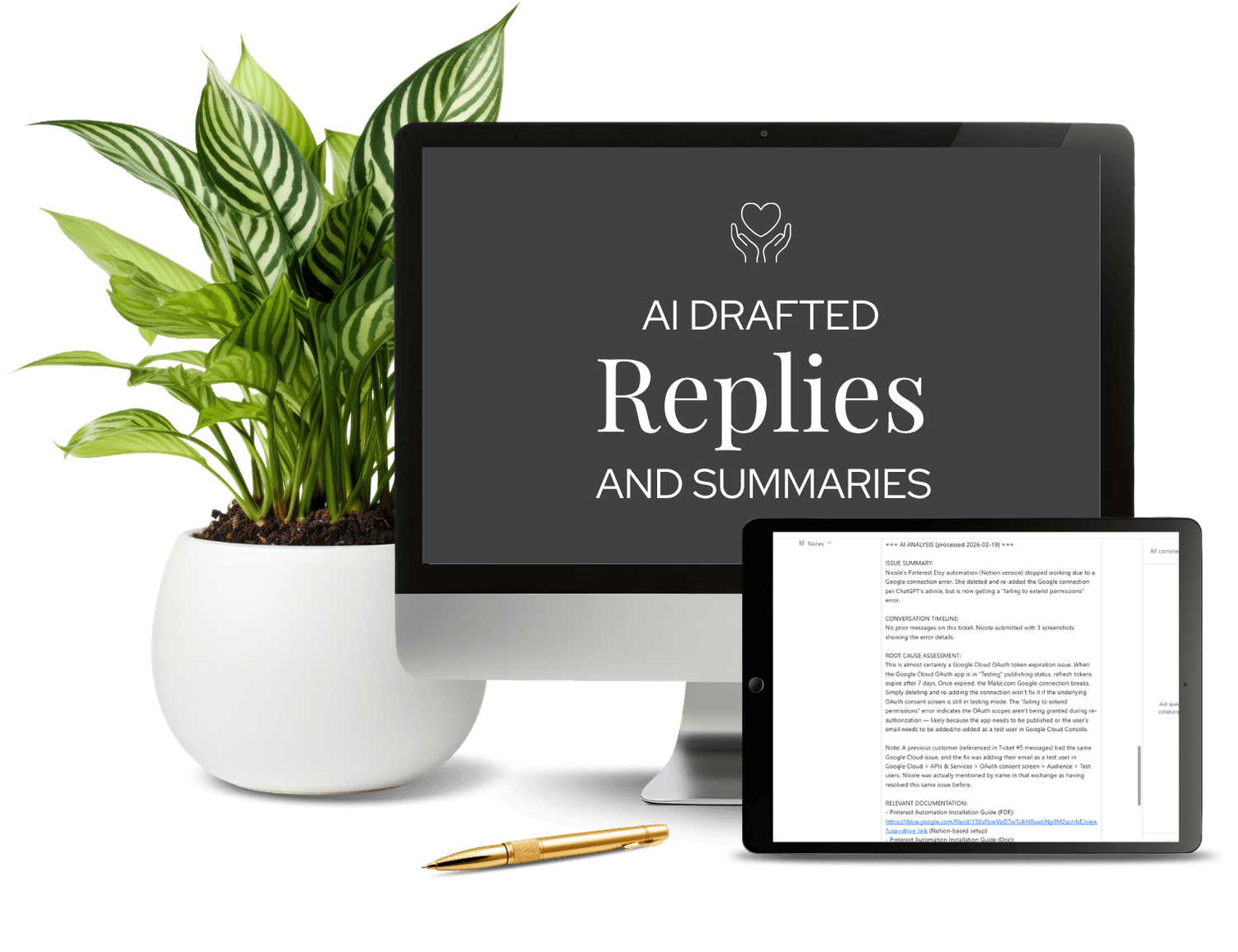
AI-Drafted Replies - Claude reads your tickets and writes draft responses for review

Dashboard Interface - Visual overview of ticket volume, status, and product support trends
This is a backend foundation you build once and benefit from long-term.
Your questions, answered!
No. The free Airtable plan is sufficient to run this system.
Yes. Claude Pro ($20/month) is required. Both Cowork and Code - which power the AI skill and the automated setup - are Pro-only features.
No. This system runs entirely on Airtable and Claude. No Make, Zapier, or third-party tools required.
The included Claude skill reads your open tickets, checks your Knowledge Base for relevant documentation, and writes a draft reply for each one. You review the draft in Airtable, edit if needed, and send from your normal email. Claude never sends anything without your approval.
Absolutely. You can add fields, create new views, expand the Knowledge Base, and adapt any part of the system to suit your business.
The Products table is designed to hold all of your products. Each ticket links to the relevant product so you always know which product the support request relates to.
If you're ready to stop managing tickets from your inbox and start running your support from one clean, organised system - this is it.