Stop guessing where your money went
and start running your business finances from one organised Airtable system
TRACK INCOME. TRACK EXPENSES. KNOW YOUR NUMBERS.
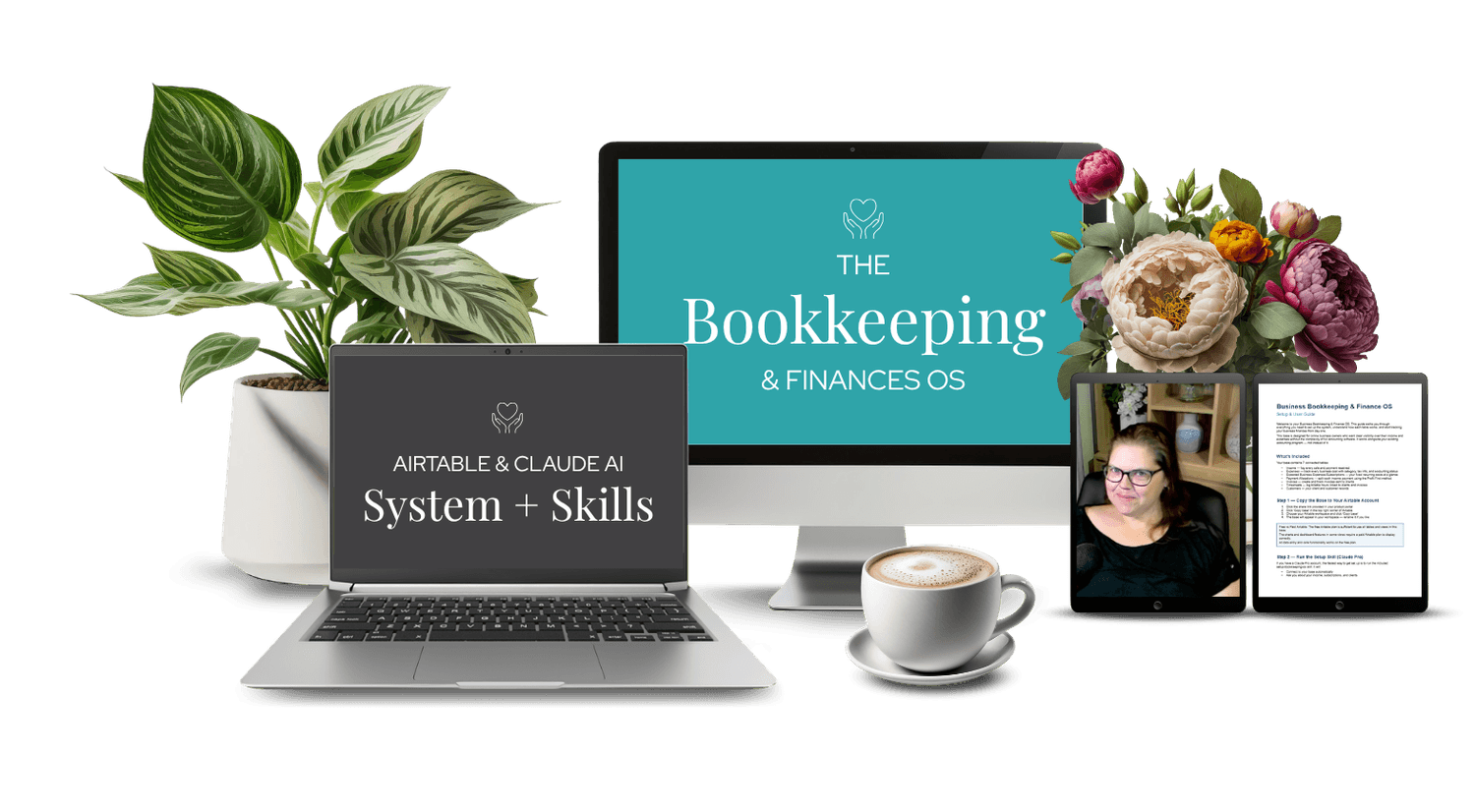
Business Bookkeeping & Finance OS is a done-for-you Airtable system that gives you complete visibility over your income and expenses in one place - with Claude AI skills that log your invoices and timesheets automatically, so the numbers are always up to date.

If this feels familiar
Running your finances shouldn't mean living in the dark until tax time.
But right now you might have:

Income tracked in one place and expenses in another (or nowhere)
No clear picture of what you actually made last month after costs
Receipts and invoices piling up that you'll "deal with later"
Tax time that arrives as a surprise every single year
This isn't carelessness. It's what happens when your business grows faster than your systems.
Business Bookkeeping & Finance OS puts your income and expenses in one place, with a payment allocation system that tells you exactly what to do with every dollar that comes in.
What Business Bookkeeping & Finance OS actually is
This is not just a pretty Airtable template.
It's a fully built financial tracking system that:
Logs every sale with revenue type, platform, gross and net amounts
Tracks every expense with category, subscription flag, and tax checkbox
Uses Claude AI to read invoices and receipts and log them automatically
You set it up once. Then you run your finances from it every month.
Is this right for you?

Business Bookkeeping & Finance OS works best if you:
Sell digital products or services online
Want one place to track both income and expenses without a complex accounting tool
Hate manual receipt logging and want AI to handle it
Use Airtable and Claude as part of your business stack

This is not for you if you:
Need full accounting software with invoicing and payroll
Are not willing to spend time on initial setup
Don't use or aren't willing to use Airtable
A note on tools required
This system requires an Airtable account - a paid plan is needed for the charts to display correctly. The free plan will work for data entry but won’t show the visual charts.
The Claude invoice processor skill requires a Claude.ai Pro account ($20/month). It’s what makes receipt logging hands-free. Without it, the base still works - you’d just log expenses manually.
No Make, no Zapier, no other tools required.
About setup
Getting Business Bookkeeping & Finance OS set up takes around one focused hour.
A step-by-step setup guide walks you through:
- Copying the base to your Airtable account
- Setting up your income and expense categories
- Installing the Claude invoice processor skill
- Entering your first records and testing the full flow
Once it’s set up, maintaining it takes minutes per week -
or seconds per invoice if you’re using the Claude skill.
What's inside
When you purchase Business Bookkeeping & Finance OS, you get:
Timesheets table - to track any service work hours
Invoices table - create an invoice with Airtable & Claude
Customers table - keep track of all timesheets and invoices for that client.
Expected Expense Tracker - Track all expected known bills
Income Tracker - Log every sale with date, amount, revenue type, platform, and payment status
Expenses Tracker - Log every cost with category, vendor, subscription flag, and tax checkbox
Payment Allocations - every payment is broken into owner pay, taxes, profit & operational expenses (OPEX) with set % that you decide on.
Pricing
Includes the Airtable base, the invoice processor skill, and the timesheet logger skill.
Your questions, answered!
Yes, for the charts. The free plan supports data entry but the visual P&L charts and spend breakdowns require a paid Airtable plan.
You need it for the invoice processor skill. Without Claude Pro, the base still works fully - you'd just log expenses manually instead of dropping receipts into Claude.
No. This is a tracking and visibility tool, not full accounting software. It doesn't handle invoicing, payroll, or tax lodgement. Think of it as the layer between your bank account and your accountant - so when tax time comes, your numbers are already organised.
Any of them. There's a Processed checkbox in the Expenses table - check it once you've submitted an expense to your accounting program. Works with Xero, MYOB, QuickBooks, or anything else you use.
No. The Payment Allocations table uses Profit First percentages as a default, but you can adjust or ignore the allocations to suit how you manage your money. The Income and Expenses tables work independently.
Absolutely. All categories are single-select fields you can edit to match your business. Add, remove, or rename anything.
Yes. The base is standalone - you can run it independently or eventually connect it to other Airtable bases if you want a more integrated setup.
You work hard for every dollar your business makes. You deserve to know exactly where it goes. If you're ready to stop guessing and start running your finances from one clean, organised system - this is it.