Run your Etsy digital product shop from one organised Notion workspace
WITHOUT THE SCATTERED TABS AND STICKY NOTES
Running a digital product shop on Etsy means managing more than just your listings.
There's the bookkeeping, the competitor research, the content planning, the resources you can never find when you need them. If your business information is spread across spreadsheets, tabs, and saved screenshots - Etsy BOB was built to fix that.
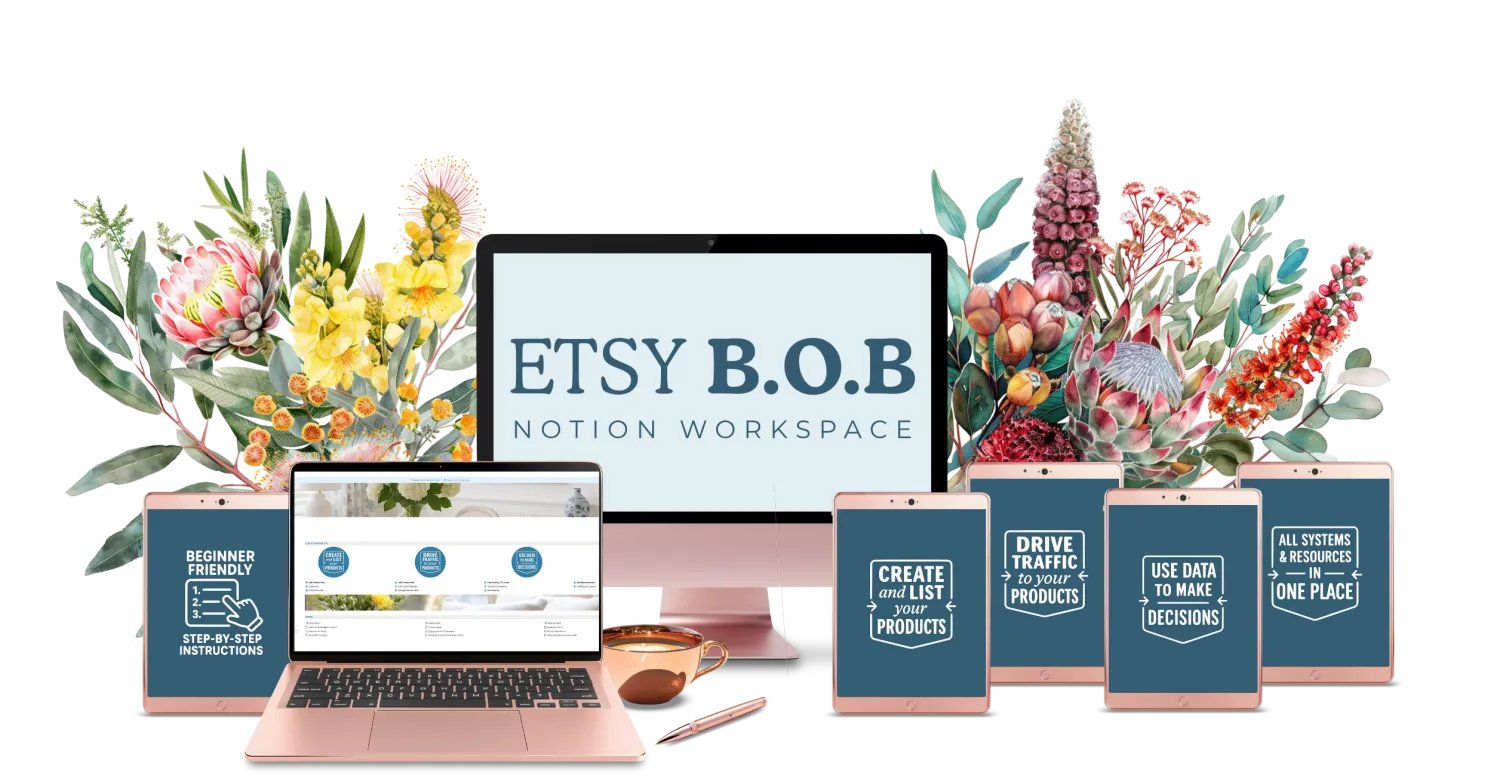
Etsy BOB is a done-for-you Notion workspace that gives Etsy digital product sellers one place to run their entire shop - the products, the numbers, the research, and the resources.

IF THIS FEELS FAMILIAR:
Running your shop shouldn't feel like searching for things all day.
But right now you might have:

Bookkeeping living in a separate spreadsheet you rarely open
No clear picture of which products are actually performing
Competitor research scattered across browser bookmarks
Resources, templates, and logins saved in five different places
No consistent process for planning what to create next
This isn't disorganisation. It's just what happens when your business grows faster than your systems.
Etsy BOB puts everything in one place.
WHAT ETSY BOB ACTUALLY IS:
This is not just a pretty Notion template. It's a fully built workspace that:
Walks you step-by-step through your product process
Tracks your numbers automatically from your Etsy CSV data
Shows you which products and price points are actually working
Keeps your resources, tools, and processes exactly where you need them
Works manually from day one — no automations required to get started
You set it up once.
Then you run your shop from it every day.
WHAT'S INSIDE:
Product Plan A step-by-step workspace that walks you through the full process of creating and listing a product. Fill in each section as you go. Nothing gets missed.
Bookkeeping Upload your monthly Etsy CSV and get an instant breakdown of your profit and loss, net income after fees, best-selling products, top-performing price points, and which coupons are converting. The numbers Etsy doesn't show you clearly - shown clearly. (Please Note - You need a paid Notion account for any charts to work)
Resources Your own library for everything you use regularly — templates, branding assets, courses, memberships, logins, and systems. All in one place, always findable.
Competitor Research Track competitor stores, their sales volume, pricing, listing count, and estimated revenue. Note their strengths, weaknesses, and thumbnail ideas. Documented and searchable.
Trends Note and save trends you want to act on. Add images for inspiration. Link directly to products you're creating.
Daily, Weekly and Monthly Tasks Built-in task structure so you always know what to focus on.
Projects Track anything bigger that needs its own space — launches, new product ranges, or seasonal planning.
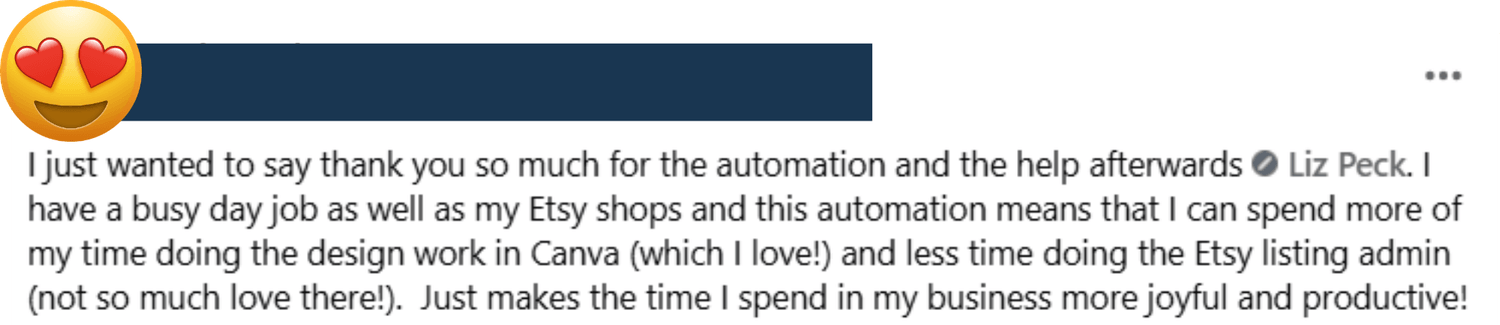
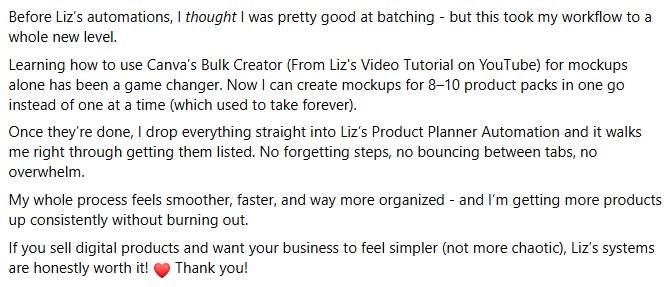
Here's what others are saying about it

Want to see an overview before you decide?
If you like to fully understand how something works before purchasing, this walkthrough shows the complete system from start to finish.
IS THIS RIGHT FOR YOU?

Etsy BOB works best if you:
Sell digital products on Etsy
Want one organised place to run your shop from
Prefer Notion over spreadsheets
Want visibility on your numbers without doing manual calculations
Are ready to stop relying on memory and scattered notes

This is not for you if you:
Don't want to spend time setting up a workspace
Prefer to work from spreadsheets
Aren't willing to use Notion as your day-to-day system
A note on Notion:
Etsy BOB requires a paid Notion account for the charts and bookkeeping features to work correctly. The free plan does not support database charts. If you're already on a paid Notion plan, you're ready to go.
About the set-up
Getting Etsy BOB set up takes a couple of focused hours. It's a real system - not a plug-and-play template you open and immediately understand.
The good news:

Step-by-step instructions walk you through everything

Every section is clearly labelled and explained
You can customise fields, views, and sections to suit your shop

If you want to duplicate it for a second store, just download the link again from your portal
PRICING:
Etsy BOB — $37 USD
Immediate access after purchase.
Yours to keep, use, and customise.
Your questions, answered!
No. Etsy BOB works completely manually. The automation is optional - you can add it at any point if you decide you want it.
Yes. The bookkeeping charts and data features require a paid Notion plan. If you're on the free plan, those sections won't display correctly.
Absolutely. You can add fields, change views, and expand on anything in the workspace to suit how you work.
Yes – many sellers do. (its simply just the same set-up process for each store)
Etsy BOB is the Notion version of the command centre for that automation. If you're currently using the Google Sheets version and want to switch to Notion, you need this & then let me know and I will unlock the notion version of the automations for you.
Your Etsy shop deserves a backend that's as organised as the products you create.
If you're ready to stop searching for things and start running your shop from
one clean, organised workspace - this is it.