Stop losing content ideas in a notes app
and start running your entire content operation from one organised Airtable system
ONE PLACE FOR EVERY CONTENT IDEA, DRAFT, AND PUBLISHED PIECE
Most online business owners have no shortage of content ideas. The problem is what happens to them. They get saved in a note, a voice memo, a Slack message, and then nothing. Without a system to plan, track, and execute, content stays inconsistent and the ideas just pile up.
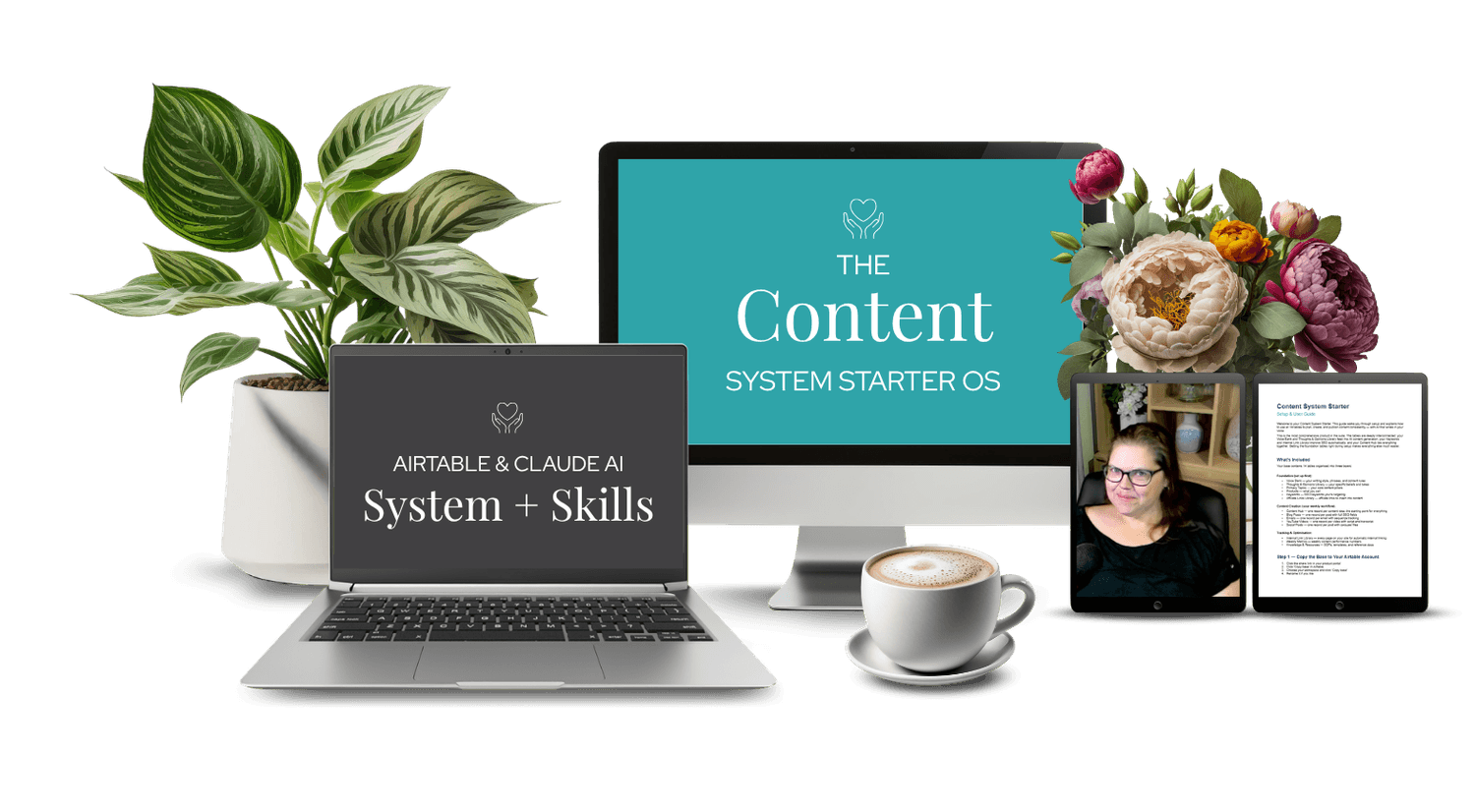
Content System Starter is a done-for-you Airtable content planning system that gives digital product sellers and online business owners one place to manage every piece of content, from idea to published. With AI skills that write in your voice.

If this feels familiar
Content shouldn't feel like starting from scratch every week.
But right now you might have:

Blog ideas in one place, email drafts in another, social posts nowhere
No clear picture of what's ready to publish and what's still a draft
The same content sitting unfinished across multiple tools
No connection between your content and the products you're trying to sell
Weeks where nothing goes out because there's no system telling you what's next
This isn't a you problem. It's a systems problem.
What Content System Starter actually is
This is not just a pretty Airtable template.
It's a fully built content system that:
Captures every content idea with angle, audience, keyword, and status
Stores your brand voice and specific opinions so AI writes content that sounds like you
Tracks blog posts, emails, YouTube videos, and social posts in connected tables
Shows exactly what's in draft, what's ready, and what's published
Links content to products it promotes so every piece has a purpose
You set it up once.
Then you run your content
from it every week.
Is this right for you?

Content System Starter works best if you:
Create content across blog, email, video, or social - or plan to
Want one place to plan and track all of it without switching tools
Want to connect your content to the products you're selling
Want AI to write in your voice, not generic AI copy
Use Airtable as part of your business stack

This is not for you if you:
Only create one type of content and are happy with how you manage it
Are not willing to spend time on initial setup
Don't use or aren't willing to use Airtable
About setup
Content System Starter takes one to two focused hours to set up. The foundation tables are the most important part - get your Voice Bank and Thoughts & Opinions Library
right and everything else follows.
A step-by-step setup guide walks you through every table.
Start with: Primary Topics → Products → Voice Bank (use the free Find Your Voice app) →
Thoughts & Opinions Library → then add your first Content Hub ideas.
Content System Starter requires an Airtable account.
The free Airtable plan is sufficient to run this system.
No Make, no Zapier, no other tools required.
If you use Claude.ai Pro, five Claude skills are included - generate-blog, generate-email, generate-youtube, generate-instagram, and generate-content (which runs all four at once).
Each skill reads from your Voice Bank, Thoughts & Opinions Library,
and Affiliate Links Library before writing anything.
The generate-instagram skill also connects to Canva to fill out your carousel template automatically.
What's inside
When you purchase Content System Starter, you get:
Content Hub - Your content idea library. One record per topic, with angle, target audience, keyword, planned publish week, and linked product. Filter by status to see what is ready to write.
Blog Posts - One record per post. Title, content, SEO fields, publish date, URL, and status. Includes Canva image field, Google Console indexed checkbox, and affiliate links tracking. Links back to the Content Hub idea it came from.
Emails - One record per email. Subject line, body, preview text, CTA, send date, and sequence position. Linked to the product it promotes. Filter by Draft or Scheduled to see what needs actioning.
YouTube Videos - One record per video. Title, script, transcript, publish date, URL, and status. Links to the Content Hub idea and any related blog posts so your YouTube and blog content stay connected.
Social Posts - One record per post. Caption, platform, scheduled date, and carousel file links. Filter by status to see what is ready to schedule. Every post is connected to the content calendar so you can see your full week at a glance.
Pricing
Content System Starter - $147 USD
Includes the Airtable base and five Claude skills: generate-blog, generate-email, generate-youtube, generate-instagram, and generate-content.
Immediate access after purchase.
Yours to keep, use, and customise.
Your questions, answered!
No. The free Airtable plan is sufficient to run this system.
No. Content System Starter is a planning and tracking system - it doesn't send emails or post to social automatically. It's where you plan what to create, track what's in progress, and know what's ready to go. You still use Systeme, Buffer, or whatever platform you already use to publish.
Yes. If you only create blog posts and emails right now, just use those tables. The other tables are there when you're ready for them.
generate-blog writes a full SEO blog post from a Content Hub record. generate-email writes the email. generate-youtube writes the script. generate-instagram writes the caption and fills out your Canva carousel. generate-content runs all four at once. All five require a Claude Pro account ($20/month).
No - the base works fully without it. Claude Pro is only needed for the five AI skills. Without it you'd write content manually and use the base as a planning and tracking system.s
You have ideas. You have products. What you need is a system that connects them,
writes in your voice, and keeps content moving every week.
If you're ready to stop losing ideas in a notes app and start running your
content from one clean, organised system - this is it.