Stop running your business from memory and start making decisions from one organised Airtable system
AND START RUNNING YOUR BUSINESS FROM ONE ORGANISED AIRTABLE SYSTEM
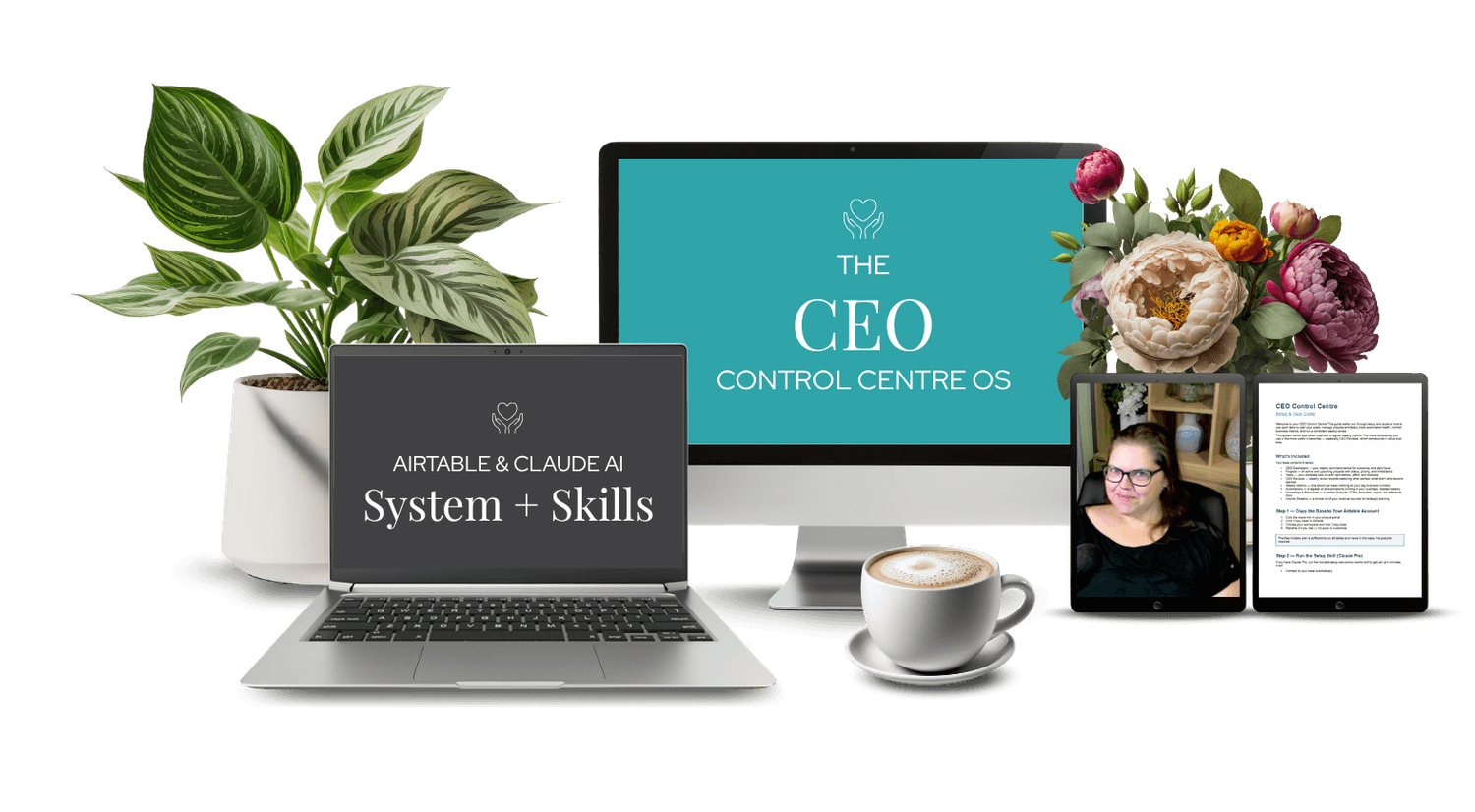
Most online business owners don't have a planning problem. They have a visibility problem. The goals exist. The projects exist. The tasks pile up. But without one place to see all of it, the week disappears into reactive work and the important stuff gets pushed again.
CEO Control Centre is a done-for-you Airtable system that gives online business owners one place to plan their week, track their projects and tasks, manage their automations, monitor their metrics, and review what's actually working.

If this feels familiar
Running your business shouldn't mean holding everything in your head.
But right now you might have:

Goals written in a notebook you haven't opened since January
Projects scattered across different apps with no single status view
A task list that grows faster than you can action it
No consistent weekly review so the same problems keep coming back
Automations running in the background that you haven't checked in months
No clear picture of what your business numbers are actually doing week to week
This isn't a motivation problem. It's a systems problem.
What CEO Control Centre actually is
This is not just a pretty Airtable template.
It's a fully built business operating system that:
Gives you a CEO Dashboard to set your weekly outcomes and daily top 3
Tracks all active projects with status, priority, and success criteria
Manages your full task list with priority, due dates, and next actions
Keeps a register of every automation running in your business with a weekly health check
Logs your weekly business metrics in one place so you can see what's growing
Stores your weekly reviews so every week's lessons feed the next
Gives you a central library for SOPs, templates, and reference docs
You set it up once.
Then you run your business from it every week.
Is this right for you?

CEO Control Centre works best if you:
Run an online business solo or with a small team
Want one place to manage projects, tasks, and metrics without a complex tool
Do or want to do a consistent weekly review
Use Airtable as part of your business stack
Run automations in your business and want to monitor them proactively

This is not for you if you:
Need a team collaboration tool with comments and mentions
Are not willing to spend time on the initial setup
Don't use or aren't willing to use Airtable
About setup
Getting CEO Control Centre set up takes around one focused hour.
A step-by-step setup guide walks you through:
Copying the base to your Airtable account
Creating your first CEO Dashboard record
Adding your active projects and tasks
Logging your automations and setting up the weekly check habit
Running your first weekly review
What's inside
When you purchase CEO Control Centre, you get:
CEO Dashboard - Your weekly command centre. Set this week's top 3 outcomes, your daily focus, constraints, and notes. One record per week. Over time it becomes a running log of how your business is moving.
Projects - One record per project. Set the priority, status, why it matters, and what success looks like. Link tasks directly to the project so you always know what's next. Filter by In Progress to see exactly what's active right now.
Tasks - Your complete task list. Priority, due date, next action, and a blocked flag. Filter by today's due date, this week, or by priority. Link tasks to projects and clients so everything stays connected.
Weekly Reviews - One record per week. What worked, what didn't, the lessons, and next week's outcomes. Takes 15 minutes to fill in. Prevents the same mistakes from happening twice.
Pricing
CEO Control Centre - $67 USD
Includes the Airtable base and the
morning-brief Claude skill.
Immediate access after purchase.
Yours to keep, use, and customise.
Your questions, answered!
No. The free Airtable plan is sufficient for CEO Control Centre.
Yes, though most people find they stop needing the other tool. CEO Control Centre is designed to be your one place - not one more app to manage.
It's a register of every automation running in your business. You update the Last Checked date once a week and flag any errors. This gives you visibility over your automations without having to open Make or Zapier every day - and means you catch failures before your customers do.
A Claude AI skill that reads from your CEO Dashboard, Tasks, Projects, and Automations table every morning and delivers a prioritised brief for the day. Requires a Claude Pro account ($20/month).
No - the base works fully without it. Claude Pro is only needed for the morning brief skill.
Absolutely. All fields are editable and every view can be modified, filtered, and sorted to suit how you work.
Your business deserves more than a list of tabs and a notebook. It deserves a system.
If you're ready to stop holding your plan in your head and start running your business
from one clean, organised place - this is it.